# Image

> Image components for displaying images with various styling options.

Web: https://vuemail.dev/components/image

Paste any snippet into an email built with Vuemail. The snippets are single file components that use the primitives from `@vuemaildev/vuemail`.

## Simple image

Source: https://github.com/psycarlo/vuemail/tree/main/apps/web/components/simple-image

### Tailwind

```vue
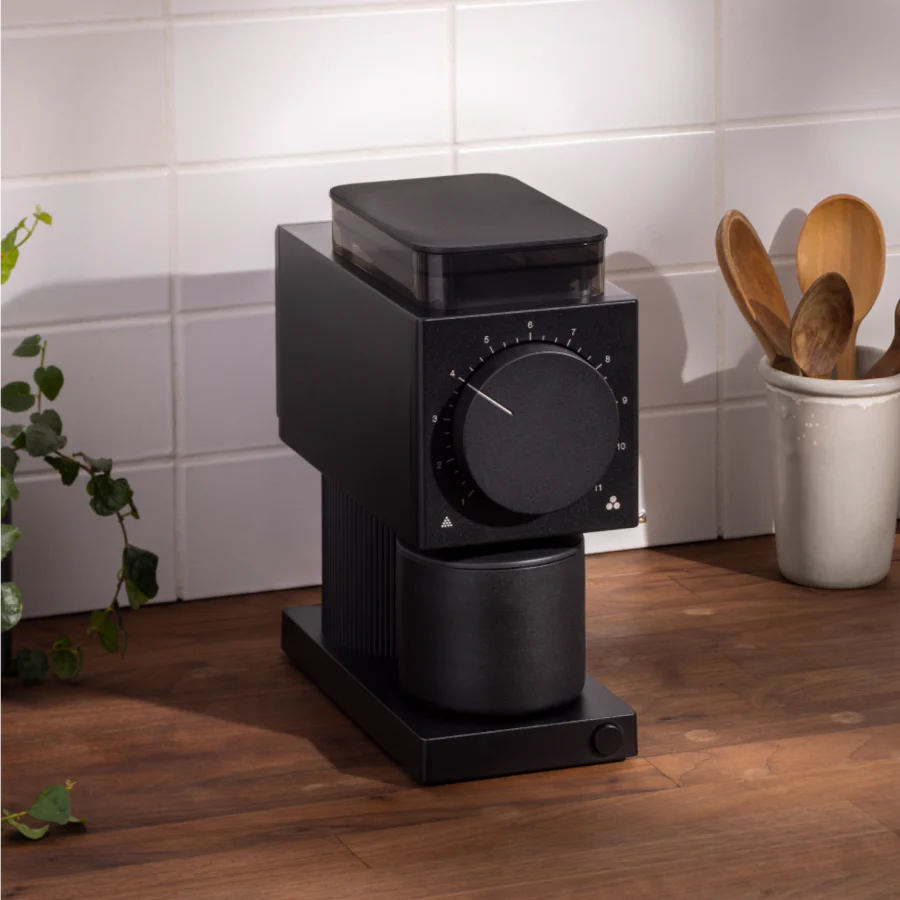
<script setup lang="ts">
import { Img } from '@vuemaildev/vuemail';
</script>

<template>
  <Img
    alt="Ode Grinder"
    class="mx-auto"
    :width="250"
    :height="250"
    src="/static/ode-grinder.jpg"
  />
</template>
```

### Inline styles

```vue
<script setup lang="ts">
import { Img } from '@vuemaildev/vuemail';
</script>

<template>
  <Img
    alt="Ode Grinder"
    :width="250"
    :height="250"
    src="/static/ode-grinder.jpg"
    :style="{ marginLeft: 'auto', marginRight: 'auto' }"
  />
</template>
```

## Rounded image

Source: https://github.com/psycarlo/vuemail/tree/main/apps/web/components/rounded-image

### Tailwind

```vue
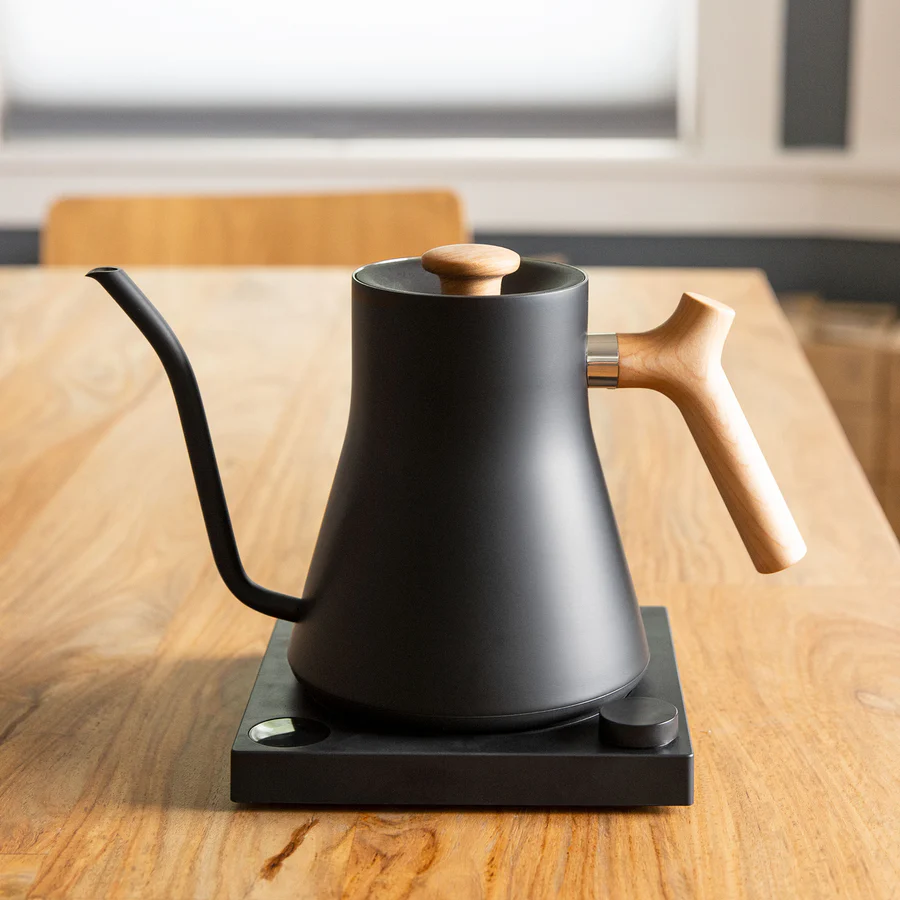
<script setup lang="ts">
import { Img } from '@vuemaildev/vuemail';
</script>

<template>
  <Img
    alt="Stagg Electric Kettle"
    class="rounded-[12px] my-0 mx-auto"
    :width="250"
    :height="250"
    src="/static/stagg-eletric-kettle.jpg"
  />
</template>
```

### Inline styles

```vue
<script setup lang="ts">
import { Img } from '@vuemaildev/vuemail';
</script>

<template>
  <Img
    alt="Stagg Electric Kettle"
    :width="250"
    :height="250"
    src="/static/stagg-eletric-kettle.jpg"
    :style="{
      borderRadius: '12px',
      marginTop: '0',
      marginBottom: '0',
      marginLeft: 'auto',
      marginRight: 'auto',
    }"
  />
</template>
```

## Image with varying sizes

Source: https://github.com/psycarlo/vuemail/tree/main/apps/web/components/image-with-varying-sizes

### Tailwind

```vue
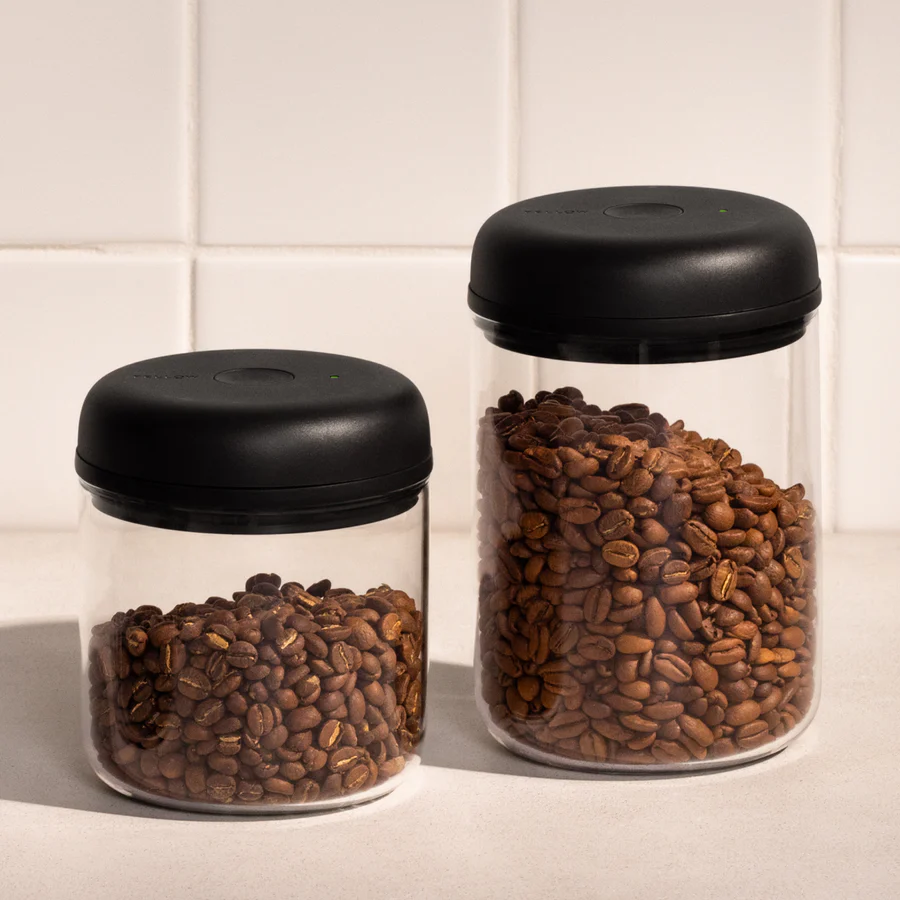
<script setup lang="ts">
import { Img } from '@vuemaildev/vuemail';
</script>

<template>
  <Img
    alt="Atoms Vacuum Canister"
    class="rounded-[12px] my-[12px] mx-auto"
    :width="150"
    :height="150"
    src="/static/atmos-vacuum-canister.jpg"
  />
  <Img
    alt="Atoms Vacuum Canister"
    class="rounded-[12px] my-[12px] mx-auto"
    :width="200"
    :height="200"
    src="/static/atmos-vacuum-canister.jpg"
  />
  <Img
    alt="Atoms Vacuum Canister"
    class="rounded-[12px] my-[12px] mx-auto"
    :width="250"
    :height="250"
    src="/static/atmos-vacuum-canister.jpg"
  />
</template>
```

### Inline styles

```vue
<script setup lang="ts">
import { Img } from '@vuemaildev/vuemail';
</script>

<template>
  <Img
    alt="Atoms Vacuum Canister"
    :height="150"
    src="/static/atmos-vacuum-canister.jpg"
    :style="{ borderRadius: '12px', margin: '12px auto 12px' }"
  />
  <Img
    alt="Atoms Vacuum Canister"
    :height="200"
    src="/static/atmos-vacuum-canister.jpg"
    :style="{ borderRadius: '12px', margin: '12px auto 12px' }"
  />
  <Img
    alt="Atoms Vacuum Canister"
    :height="250"
    src="/static/atmos-vacuum-canister.jpg"
    :style="{ borderRadius: '12px', margin: '12px auto 12px' }"
  />
</template>
```
