

Are you using monorepos? Then we recommend you follow our monorepos setup.
1. Install dependencies
Install the Vuemail packages locally.Vuemail requires Node.js 20.19 or higher and Vue 3.4 or higher.
@vuemaildev/ui is the preview app,
and it needs to be installed in the same version as @vuemaildev/vuemail.2. Add scripts
Include the following script in yourpackage.json file.
package.json
3. Write an email template
Create a new folder calledemails, create a file inside called email.vue, and add the following code:
emails/email.vue
4. Run locally
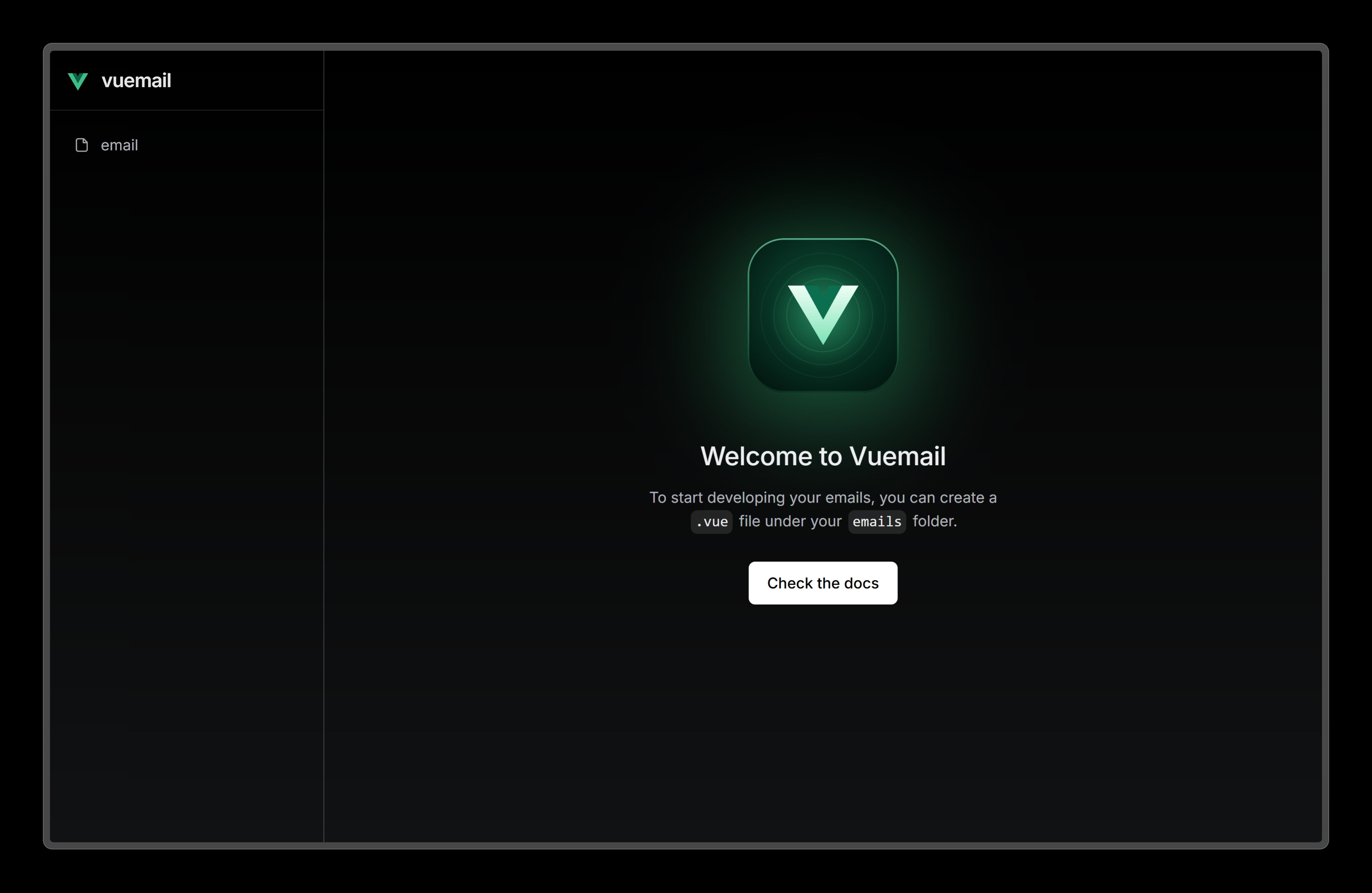
Start the development server.5. See changes live
Visit localhost:3000 and editemail.vue file to see the changes.
6. Next steps
Try adding these other components to your email.Image
Display an image in your email.
Link
A hyperlink to web pages or anything else a URL can address.
Divider
Display a divider that separates content areas in your email.
Preview
A preview text that will be displayed in the inbox of the recipient.