

1. Create workspace
Create a new folder calledtransactional inside of where you keep workspace packages (generally ./packages/*).
Include a new package.json and do not forget to add this to the workspaces of your monorepo’s package.json.
2. Install dependencies
Install Vuemail to thetransactional workspace.
packages/transactional
3. Add scripts
Include the following script in yourpackage.json file.
packages/transactional/package.json
4. Write your emails
Create a new folder calledemails, create a file inside called email.vue and add the following example code:
packages/transactional/emails/email.vue
5. Run preview server
Start the email previews development server:packages/transactional
6. See changes live
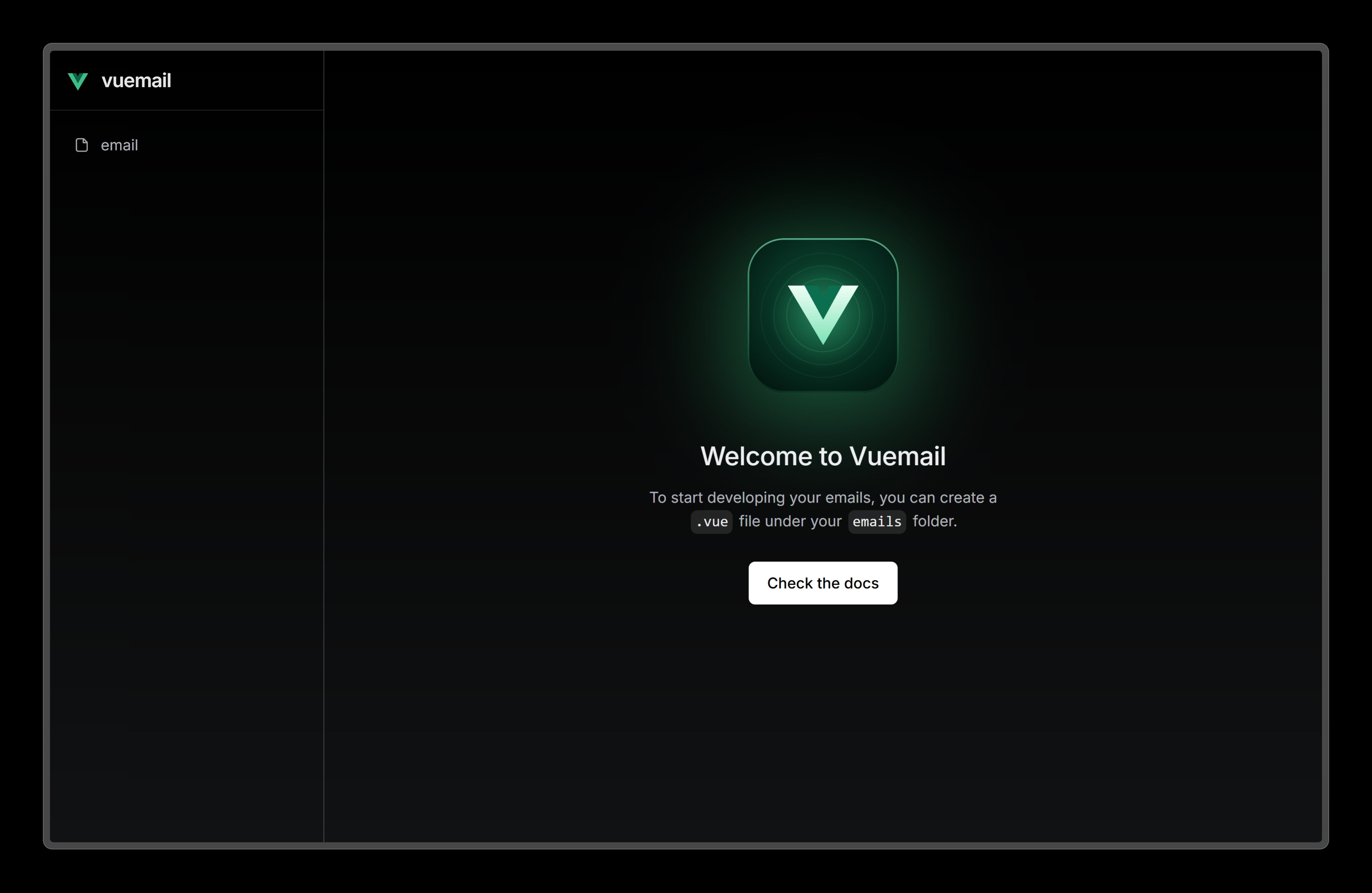
Visit localhost:3000 and edit theemails/email.vue file to see the changes.
7. Use the emails in your apps
Other workspaces can depend ontransactional and import its emails to render them. Importing
.vue files takes a bundler that compiles them, like Nuxt with the
@vuemaildev/nuxt module. See compiling emails for the options.